Fishing MCP: connect FishFriender to Claude and ChatGPT to chat with your catches 🎣
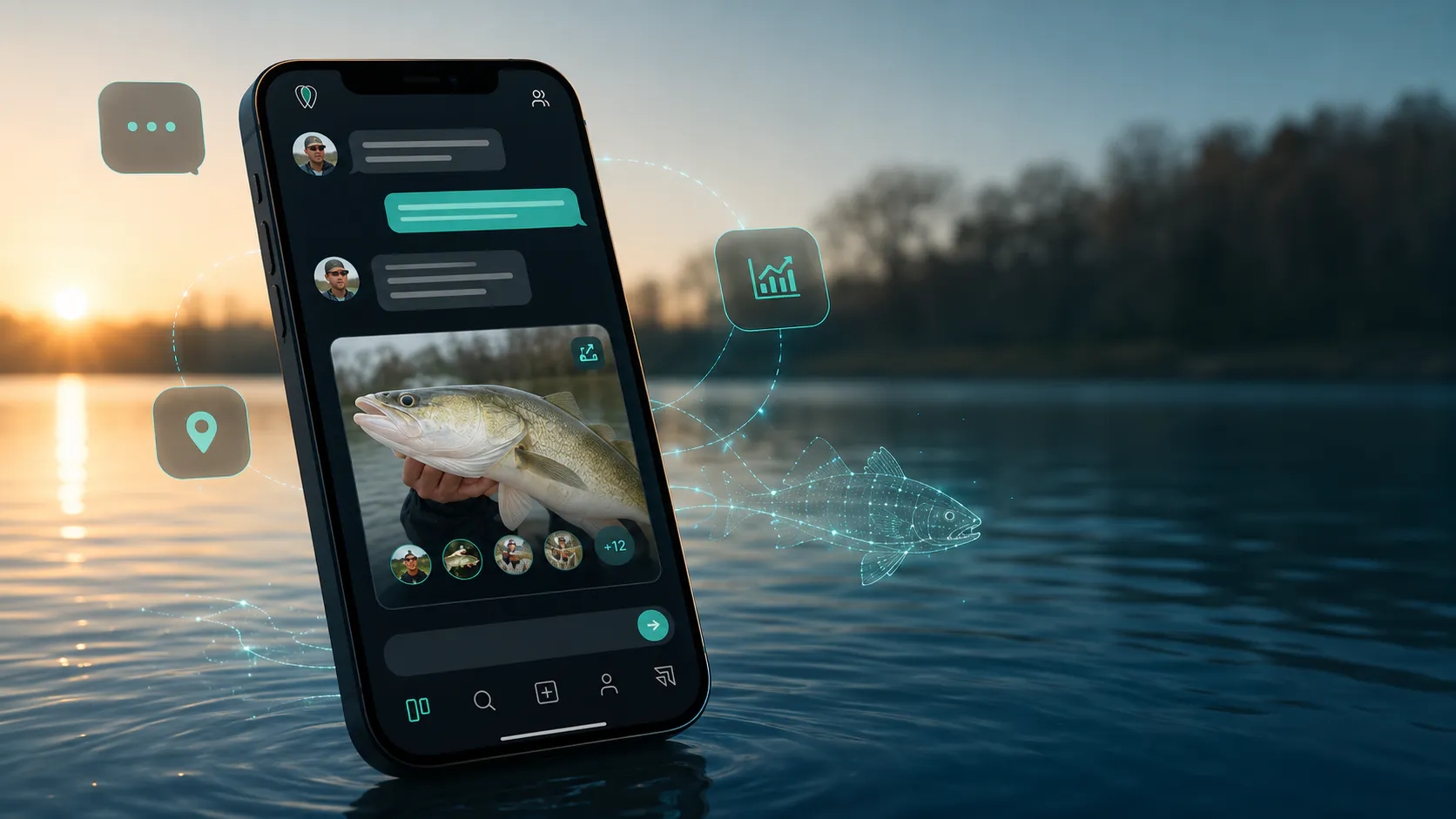
FishFriender launches the first fishing MCP: connect your fishing logbook to Claude and ChatGPT to query your catches, your stats, the weather, tides and solunar data in plain language. We'll show you how to set it up in under a minute. 🎣
What if you could talk about your fishing trips directly with an artificial intelligence? Ask it for your biggest catch of the year, the best window to target bass this Saturday, or a full debrief of your last outing… 🎣
It's now possible. FishFriender is launching its MCP: to our knowledge, the first fishing MCP that plugs your fishing logbook straight into your AI assistant. Here's everything you need to know.
Hot off the press: the FishFriender MCP is in its very early days and will keep gaining new capabilities. 🚀
What is a fishing MCP?
The MCP (Model Context Protocol) is an open standard that lets an AI assistant like Claude or ChatGPT connect to an external service. Think of it as a universal plug: once connected, your assistant links cleanly and securely to your FishFriender account. By enabling it, you give your assistant access — strictly limited to your account — to your fishing data.
Concretely, no more retyping everything by hand: the assistant queries FishFriender in real time and answers in your language, with your units. Your catches, your sessions, your statistics, but also the weather, tides, solunar data and our species catalogue: everything becomes “queryable” in plain language.
And to our knowledge, it's a genuine first in the world of fishing. 😉
“Anglers have been asking us for a long time to make more of their data, without retyping everything by hand. The MCP gives them a far simpler, safer tool — while keeping them in control of their data. It's a new milestone for FishFriender.”
— Grégory Tordjeman, CEO & co-founder of FishFriender
What can you ask?
Once connected, ask your questions in plain language — and get real analysis, not just raw numbers. A few examples:
“Which conditions worked best for me on bass this season?” — your history put under the microscope, in plain terms: the periods, tides and weather that really paid off.
“Am I releasing enough this season?” — step back and look at all your catch-and-release, put in the context of every trip.
“How should I prepare my Saturday trip to Lorient?” — weather, tides and solunar data synthesised to aim for the right window.
And plenty more:
- “What's my biggest catch this year?”
- “Which gear does the community use most for sea bream?”
- “Give me a debrief of my last fishing session.”
- “Write a shareable summary of my last trip for my club.”
- “Prepare my gear checklist to target sea bream tomorrow.”
Even better: some answers show up as interactive cards — a catch card with a photo, a fishing-index curve, a dashboard of your stats. ✨
What your assistant can access
The MCP gives access — only to your account — to a wide range of FishFriender data:
- Your catches and their details: species, length, weight, location, conditions.
- Your fishing sessions and their history.
- Your personal statistics and a detailed analysis of your catches.
- Your profile and your fishing gear.
- The best gear per species, according to the community.
- The weather, tides and solunar index to plan your outings.
- Our species catalogue: detailed sheets and search.
- Your social activity: friends, claps and comments.
And that's just the start: the list keeps growing with every update.
How to connect FishFriender to Claude?
Setup takes under a minute. Here's the address to enter — copy it, you'll need it at step 2:
https://www.fishfriender.com/mcp
- In Claude, open Settings → Connectors → Add custom connector.
- Paste the URL you copied above into the address field.
- Claude registers automatically and opens the FishFriender sign-in page.
- Sign in to your account, then click Authorise. You're all set! 🎉
And on ChatGPT?
Good news: the MCP is built on an open standard — so it works with ChatGPT too, and it's already available! The connection is only possible from the web version of ChatGPT. Here's the address to enter (the same one as for Claude):
https://www.fishfriender.com/mcp
Then, in just a few clicks:
- In ChatGPT, in your browser, open Settings → Apps.
- Enable “developer mode”.
- Add a connector and paste the FishFriender URL you copied above.
- Sign in to your FishFriender account, then authorise access. Done! 🎉
Note: on ChatGPT, adding a custom connector is for now limited to Pro, Plus, Business, Enterprise and Education accounts, and only from the web version. We're working on making it more widely available. 🙌
Do you need Premium?
Access to the FishFriender MCP is included in the FishFriender Premium subscription. You can install the connector for free, but requests require an active Premium account. It's also a great way to support FishFriender's development and unlock the app's full potential. 💚
On the privacy side, your data stays yours: the assistant accesses it read-only, only on your account, never on other anglers', and you cut off access whenever you want. It can analyse your data, but it can't publish, edit or delete anything, nor act on your behalf.
Frequently asked questions about the fishing MCP
What is FishFriender's fishing MCP? A connector that links your FishFriender account to an AI assistant (Claude and ChatGPT) to query your catches, your statistics and our fishing data in plain language.
Is the FishFriender fishing MCP free? The connector installs for free, but requests require an active FishFriender Premium subscription.
Is my data safe? On FishFriender's side, yes: the assistant has read-only access to your account only, never to other anglers', and you can cut off access at any time. Keep one thing in mind, though: once your data is sent to the AI assistant, it's that third-party service that processes it — we don't control, and can't verify, what it does with it afterwards. You stay in control of what you ask and share with it: so choose a trusted assistant and account. 🔒
Fishing is entering the age of AI, and FishFriender is leading the way with the first fishing MCP. Connect your account, ask your questions, and let your assistant analyse your outings like never before.
Tight lines! 🎣